
Corporate Excel Training Built Around How Your Team Works
We don't start with a generic Excel syllabus. Before we design your training, we look at how your team actually uses Excel today — your workflows, your reports, your bottlenecks — and build a live, customized program for teams across the United States.
26+ years of experience • MOS Master Excel • 50+ countries reached
26+ Years
Teaching Excel
MOS Master Excel
Personal certification held by founder Eduardo Yto
4.8 / 5
Excel Course Rating
Based on thousands of student reviews
50+ Countries
Reached internationally through Yto Nihon's training programs
Excel isn't the problem. How teams use it often is.
Most organizations don't need to replace Excel. They need their team using it the same way, without depending on one person to hold it all together.
Spreadsheets that only one person on the team knows how to maintain
Monthly reports rebuilt manually, the same way, every time
Employees solving the same problem with different methods
Repetitive work that could be automated but never gets prioritized
Dashboards that take longer to update than to actually use
We don't start with a generic syllabus.
We start with your team.
Before we design a single exercise, we take the time to understand how your people actually work in Excel — so the training fits your business, not the other way around.
Build the Excel skills your team actually needs.
Every program combines the modules your team needs — not a fixed course from a catalog. Here's what we typically draw from.
Excel Foundations
Core formulas and functions, IF, SUMIFS, COUNTIFS, VLOOKUP and XLOOKUP, tables, and everyday data organization — the skills that make day-to-day work faster and more reliable.
Advanced Analysis
PivotTables, dashboards, advanced lookup techniques, INDEX/MATCH, and reporting built for real decision-making — not just bigger spreadsheets.
Automation
Power Query, macros, and VBA to remove repetitive work and automate the reports your team rebuilds by hand every month.
Topics are selected and combined based on your team's needs.
Excel is evolving. So should your team's workflow.
Where relevant to your team's tools and goals, Excel training can also explore how AI-assisted features — including Copilot-related workflows — fit into everyday spreadsheet work. This isn't a fixed part of every program; it's something we can include when it matches your environment and objectives.
Your spreadsheets. Your workflows. Your training.
Customization isn't a checkbox for us — it's the starting point. Here's how a corporate Excel training program actually gets built.
01 — Understand the Team
Current skills, roles and business goals.
02 — Review Real Workflows
Identify reports, spreadsheets, repetitive tasks and pain points. When appropriate and agreed with the client, existing spreadsheets and workflows can help inform the training design.
03 — Design the Training
Select topics, depth and exercises around the team's needs.
04 — Train Live
Instructor-led sessions with practical exercises.
05 — Apply It at Work
Connect learning to real business scenarios.
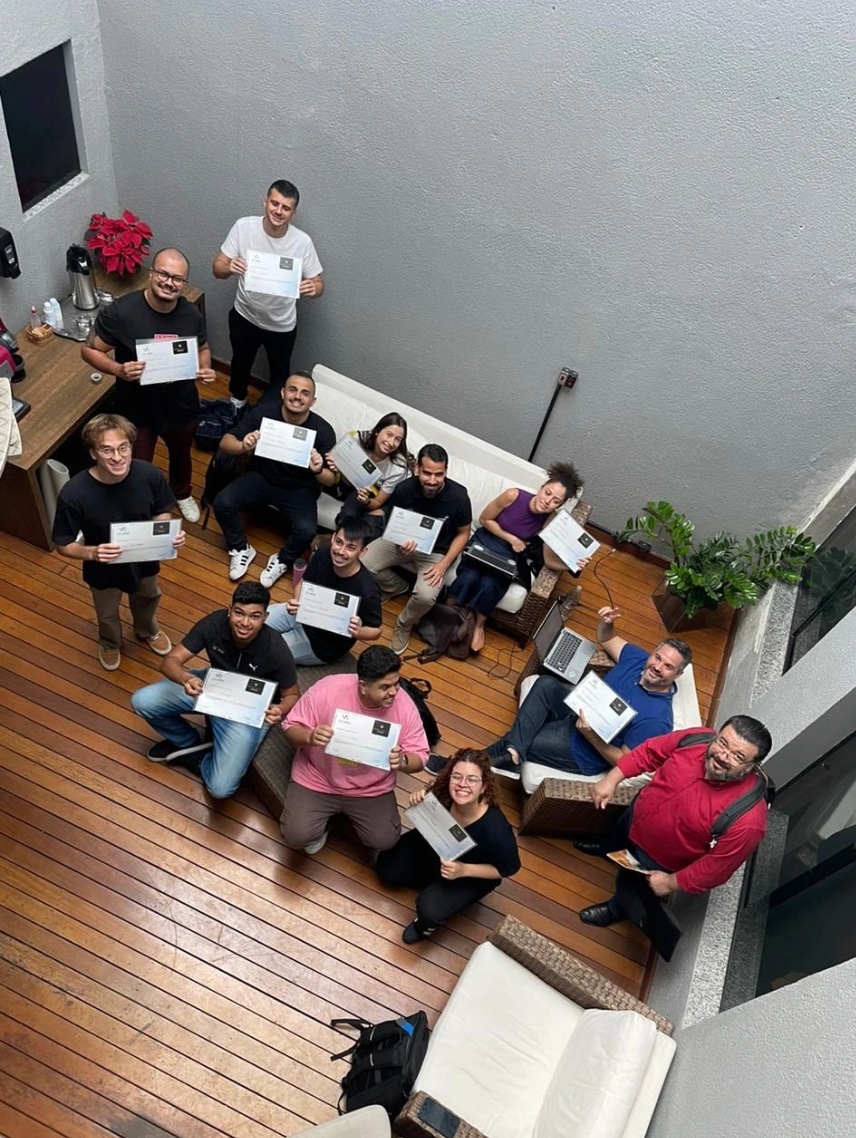
Live training, built for how work actually happens.
Live & Instructor-Led
Every session is delivered live and online, led by an experienced instructor over Microsoft Teams — not pre-recorded content. Interactive by design: your team can ask questions, work through real examples, and get feedback in real time.
Built for Real Work
Exercises are built around the kind of work your team already does — reporting, analysis, recurring tasks, and dashboards — so what's learned in a session is something your team can apply the next day, not just in theory.
Excel expertise built over more than two decades.
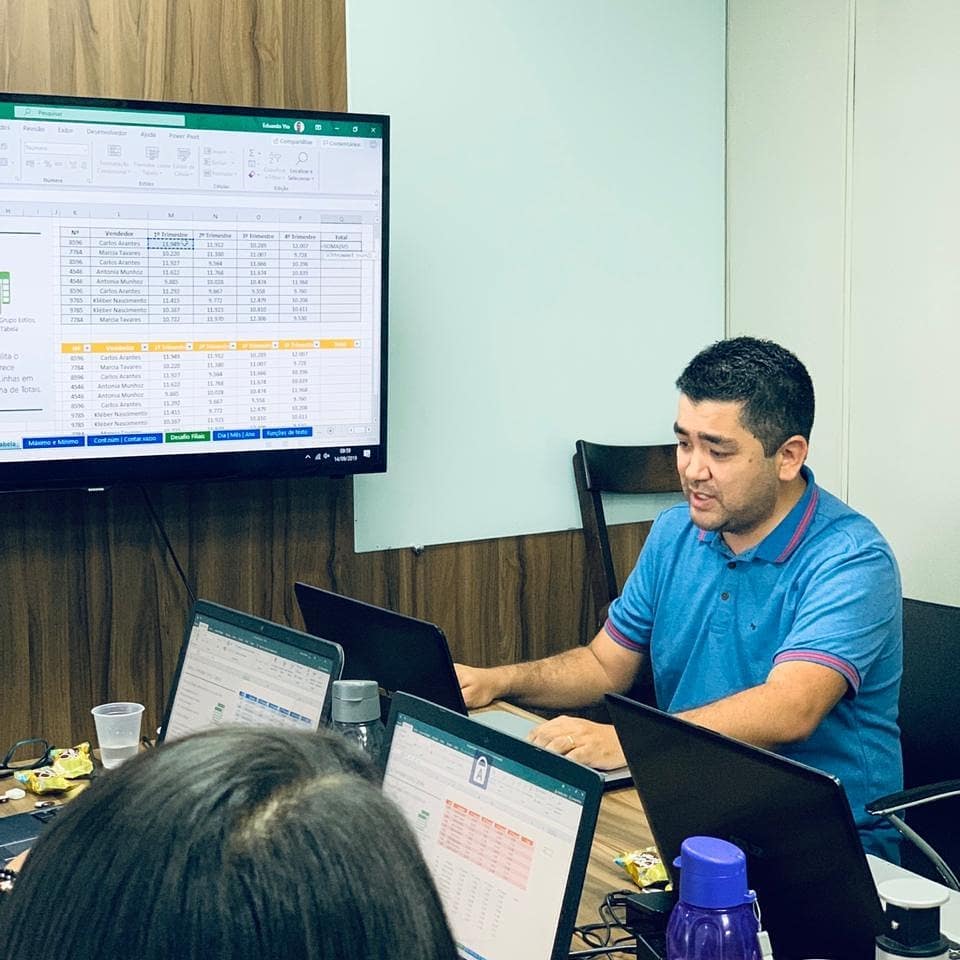
Eduardo Yto
MOS Master ExcelYto Nihon's corporate Excel training is led by Eduardo Yto, a corporate technology educator with more than two decades of experience helping professionals and teams build practical Excel skills. Eduardo holds the Microsoft Office Specialist (MOS) Master certification in Excel and has been recognized as a Microsoft Innovative Educator Expert. His work spans corporate teams across multiple industries and countries — always with the same starting point: understand how the team works before teaching anything.
Real Teams, Real Excel Training
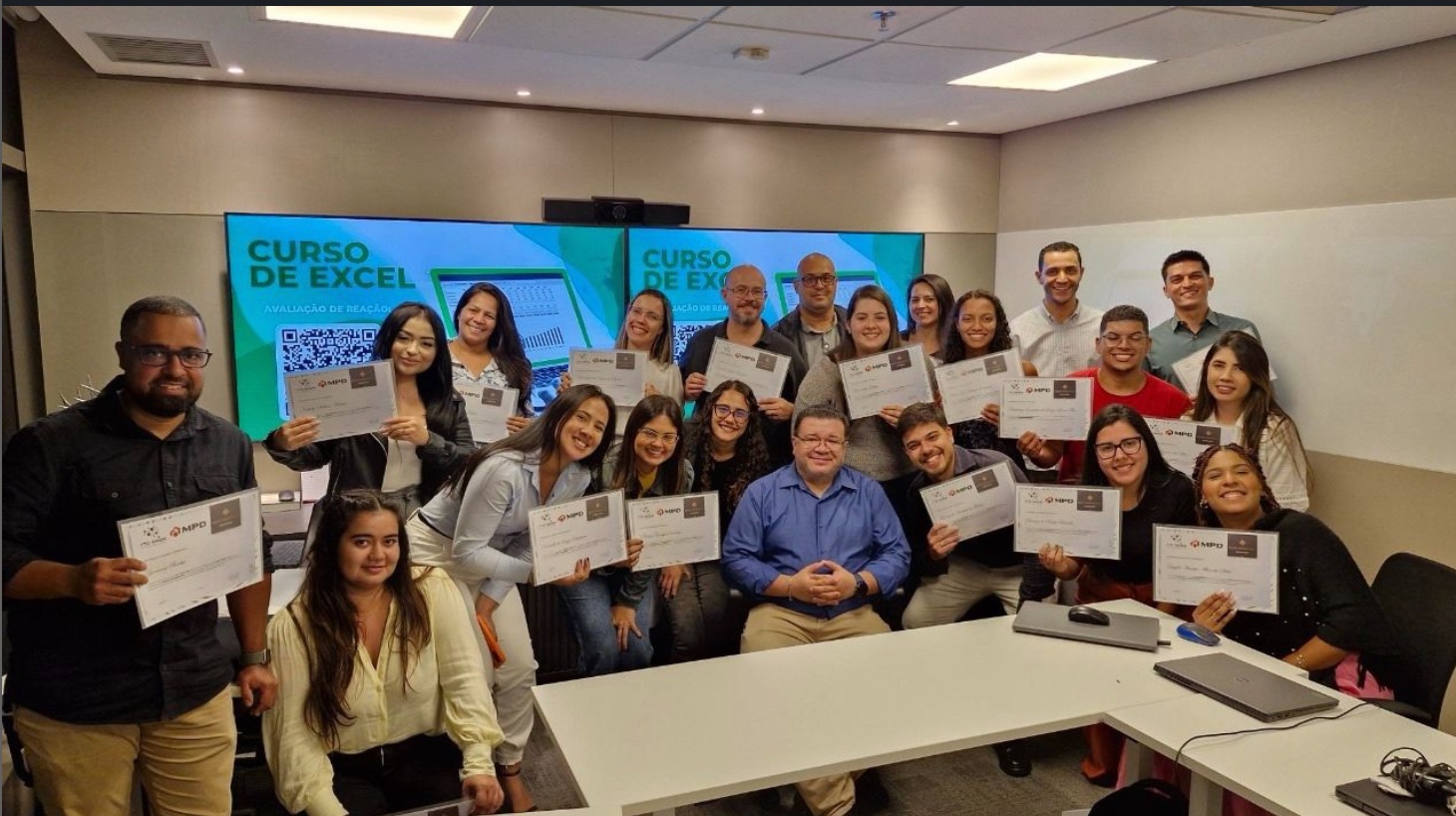
Our Excel training experience includes teams from organizations such as Arkema, Europ Assistance, Grupo HDI and MPD Engenharia — across industries including chemicals, insurance, and engineering.
These programs were delivered internationally by Yto Nihon; as we expand our live online programs, we're building our track record with companies across the United States.



"Complete course — I didn't know anything about Excel when I started. The instructor also has a great teaching style that makes learning easier."
— Camila Souto
Frequently Asked Questions
Yes. All corporate Excel training is instructor-led and delivered live online — not pre-recorded content.
Let's build the right Excel training for your team.
Tell us about your team, your goals, and how they currently use Excel. We'll help you design a training program built around your business — not a generic course.
Tell us about your team
Share a few details about your training needs. We'll use them to recommend the right corporate training format for your team.