Corporate Power BI Training Built Around Your Team's Real Data
Live, instructor-led Power BI training for teams across the United States. We start by understanding how your team works with data today — reports, dashboards, sources, and the modeling and DAX challenges that slow you down — then build a customized program around it.
26+ years of training experience • 50+ countries reached • real corporate Power BI training experience
26+ Years
Corporate technology training experience
50+ Countries
Professionals reached internationally through Yto Nihon's training programs
Corporate Experience
Power BI training experience with business teams, not just individual learners
Live Online
Instructor-led delivery for teams across the United States
When Power BI training doesn't connect to the business, dashboards become just another tool nobody fully trusts.
Dashboards that look good but nobody fully trusts when it's time to make a decision
Reports that only one person on the team knows how to build or fix
Data models that make DAX harder than it needs to be
Teams spending more time preparing data than analyzing it
Power BI used mainly to make charts, without the modeling behind it to make reporting reliable
The goal isn't just to teach Power BI.
It's to help your team use it better.
Better for the reporting and analysis work they already need to do — not a generic tour of features.
Build the Power BI capabilities your team actually needs.
Every program combines the modules your team needs — not a fixed course from a catalog. Here's what we typically draw from.
Foundations
Power BI Desktop, data import, Power Query, data preparation, visualizations, and connecting the data sources your team already works with.
Data Modeling & DAX
Star schema modeling, table relationships, DAX measures, time intelligence, and the KPIs your team relies on for reporting.
Dashboards & Reporting
Building dashboards, business indicators, row-level security (RLS), and practical visualization for reports people actually use.
Topics are selected and combined based on your team's needs, roles, and current Power BI experience.
Yto Nihon's technical content library includes documentation for 80+ DAX functions.
Your data. Your dashboards. Your Power BI training.
Customization isn't a checkbox for us — it's the starting point. Here's how a corporate Power BI training program actually gets built.
01 — Understand the Team
Current roles, Power BI experience and business goals.
02 — Review the Reporting Environment
Understand data sources, dashboards, reports and recurring challenges. When appropriate and agreed with the client, existing data models, dashboards, or reporting workflows can help inform the training design.
03 — Design the Program
Select topics, depth and exercises based on what the team actually needs.
04 — Train Live
Instructor-led sessions with interaction and practical exercises.
05 — Apply the Learning
Connect Power BI skills to real reporting, analysis and decision-making scenarios.
Power BI still matters in the age of AI.
AI can accelerate analysis and help teams work faster, but it doesn't replace the fundamentals. Teams still need to understand data quality, modeling, business context, measures, and reporting logic to know whether what they're looking at actually makes sense. As the Microsoft data ecosystem evolves — including platforms like Microsoft Fabric — Power BI remains an important part of how many teams analyze and communicate business data.
Excel and Power BI work better together.
Excel remains a strong tool for ad hoc analysis, calculations, and day-to-day operational work. Power BI adds structured modeling, dashboards, and reporting at scale. Many teams use both — and training that treats them as connected, rather than competing tools, tends to stick better.
Explore Corporate Excel TrainingLive training, connected to the reporting work your team already owns.
Live & Instructor-Led
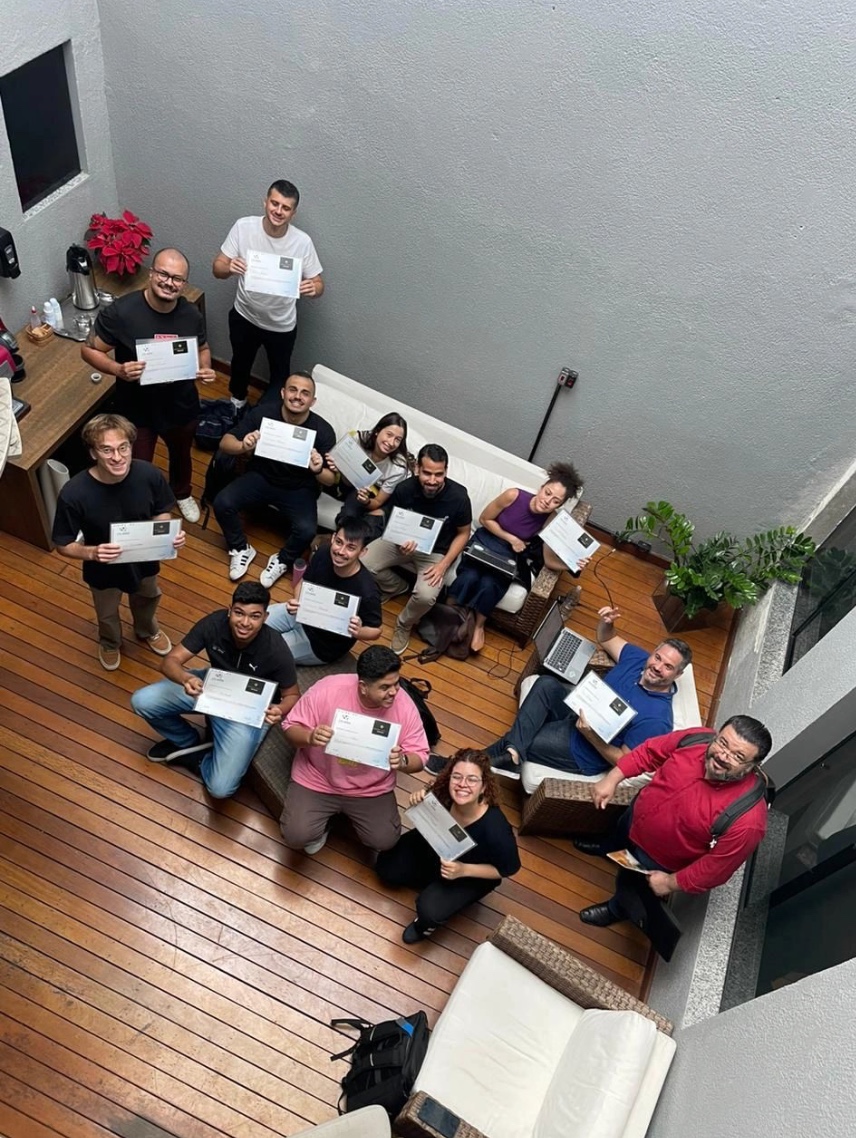
Every session is delivered live and online over Microsoft Teams, led by an experienced instructor — not pre-recorded content. Interactive by design: your team can ask questions, work through real examples, and get feedback in real time.
Built for Real Reporting
Exercises are built around the kind of dashboards, recurring reports, KPIs, and data preparation your team already handles — so what's practiced in the training carries over directly into day-to-day work.
Power BI training led by an experienced Business Intelligence specialist.

Luiz Rogério
Luiz Rogério is a specialist in Power BI and Business Intelligence and leads Power BI training programs at Yto Nihon, working directly with corporate teams on dashboards, data modeling, and reporting.
Trusted by teams at global organizations.
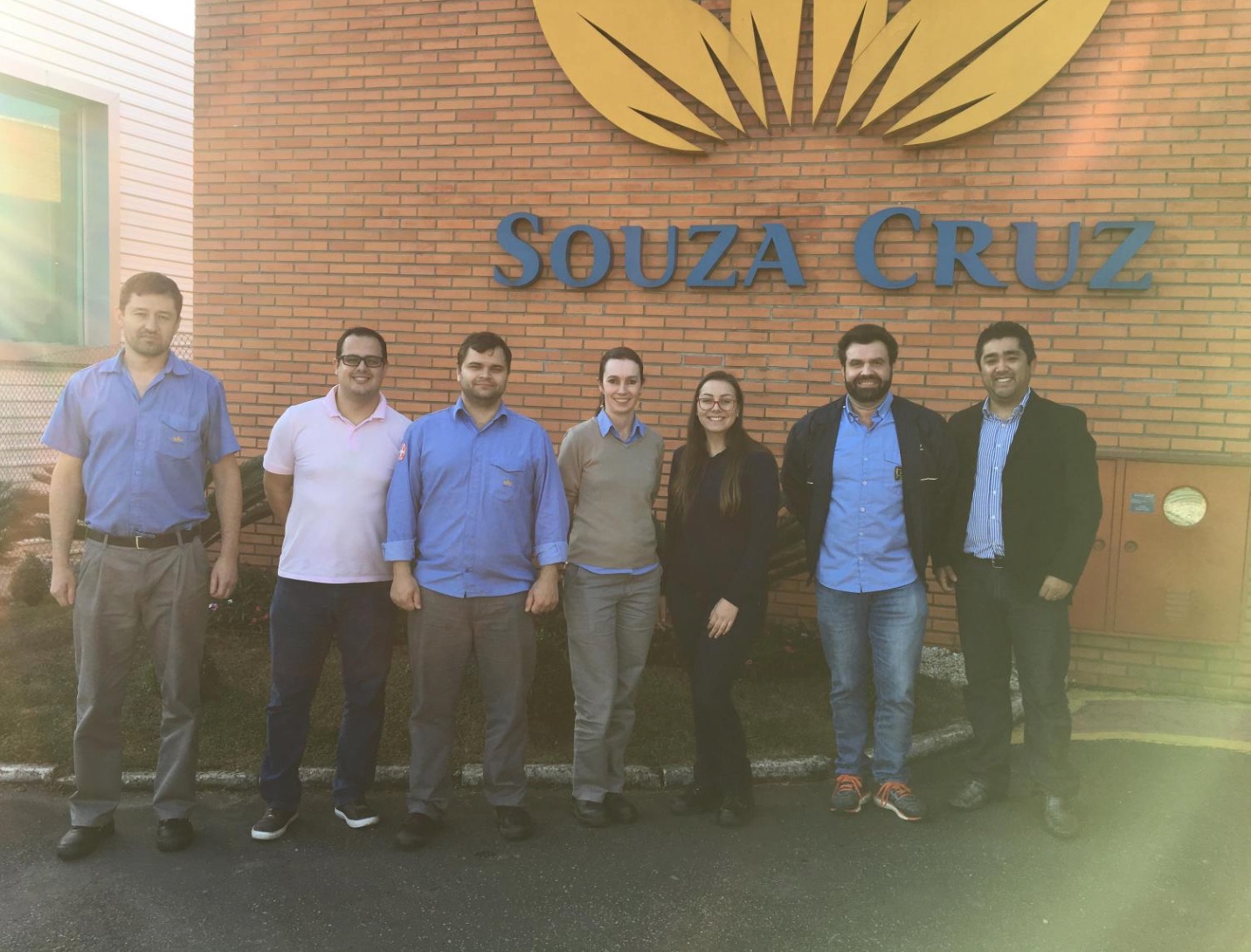
Our Power BI training experience includes teams from organizations such as Reckitt, Beiersdorf, Souza Cruz and Grupo HDI.
These programs were delivered internationally by Yto Nihon; as we expand our live online programs, we're building our track record with companies across the United States.

Frequently Asked Questions
Yes. All sessions are live and instructor-led, with direct interaction between the instructor and your team.
Let's build the right Power BI training for your team.
Tell us about your team and reporting environment, and we'll follow up with a plan built around what you actually need.
Tell us about your team
Share a few details about your training needs. We'll use them to recommend the right corporate training format for your team.